
Portal Settings Tab
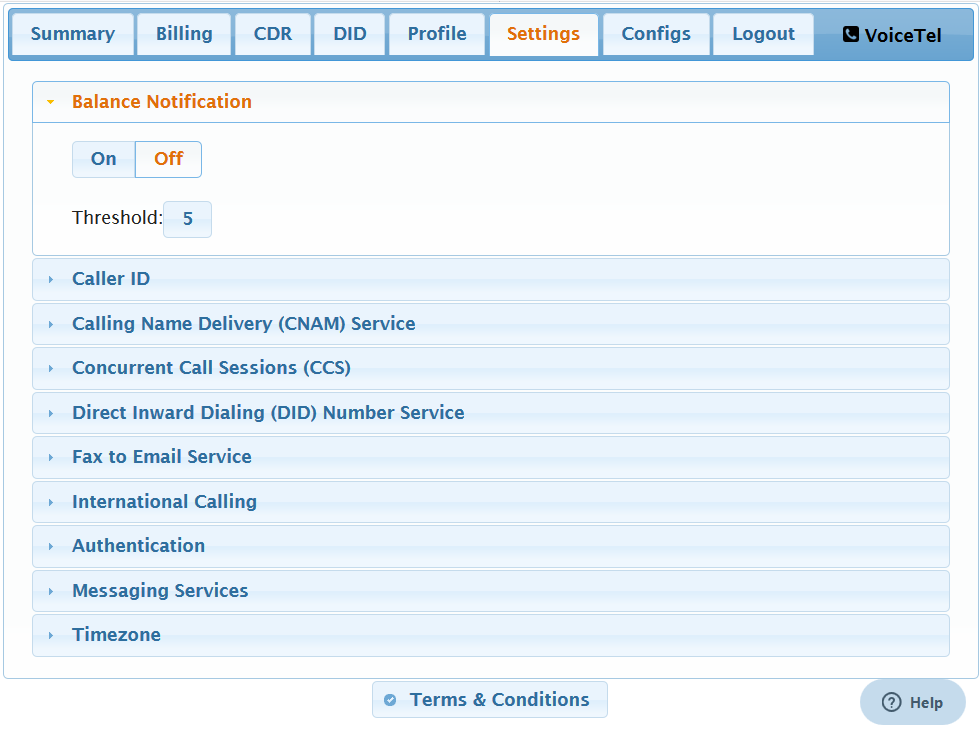
Here you can toggle Balance Notifications. Balance Notifications are sent out ever 3 days to the email provided in your Profile tab. Threshold is in dollars and should be set to allow for 1 to 2 weeks of use.
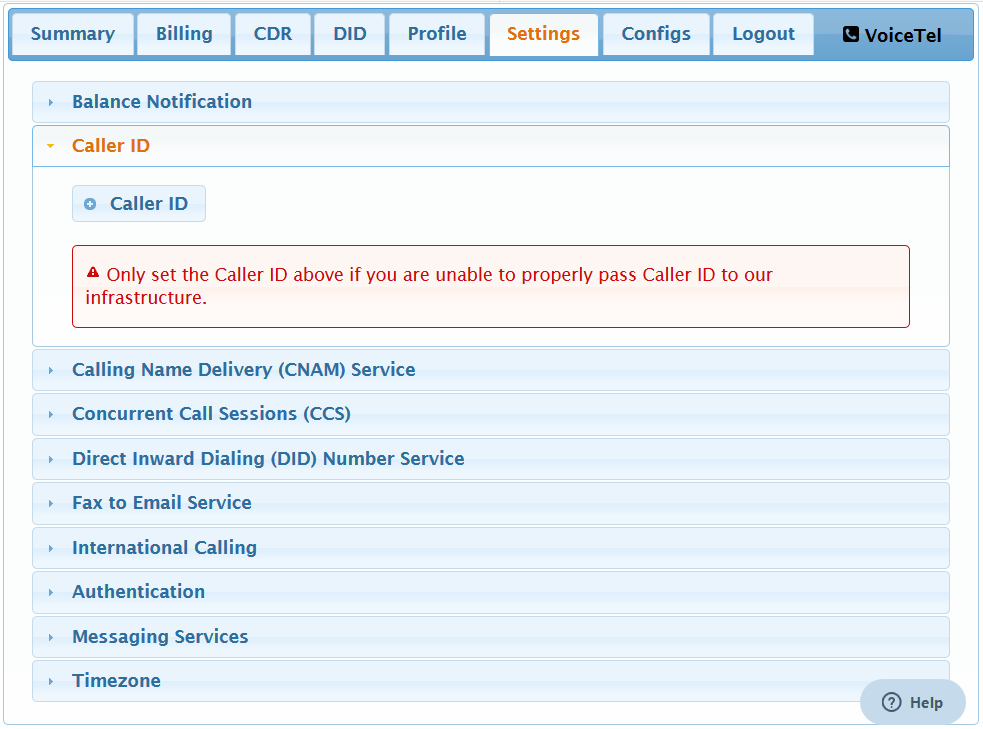
In normal use this will never be set. This should only be used if you are unable to pass Caller ID to are infrastructure.
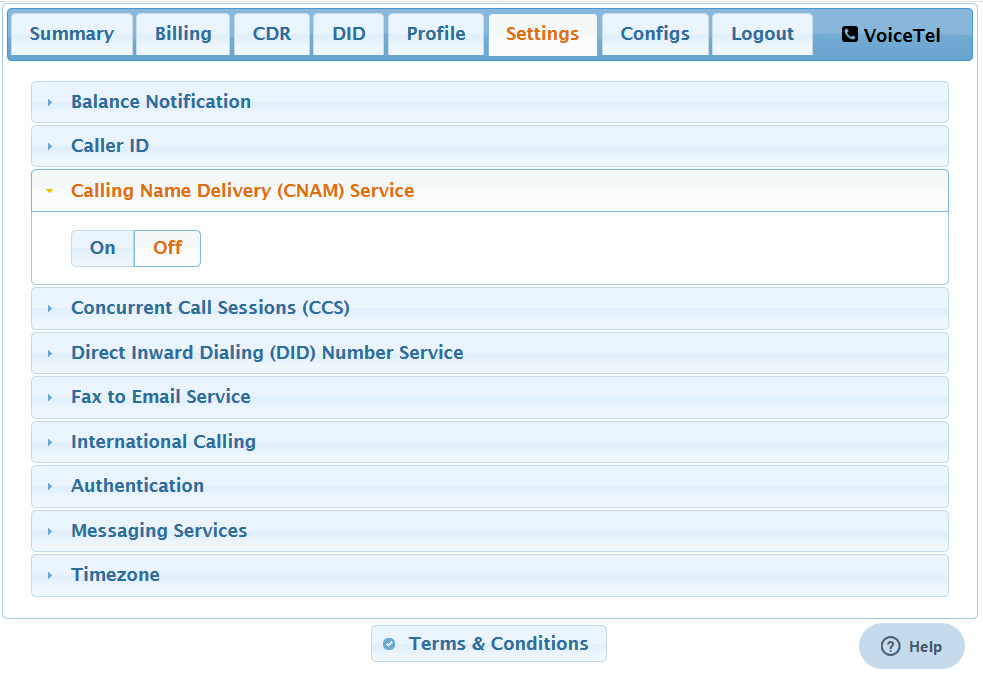
CNAM is a service to will allow you to send name and calling telephone number with your calls.
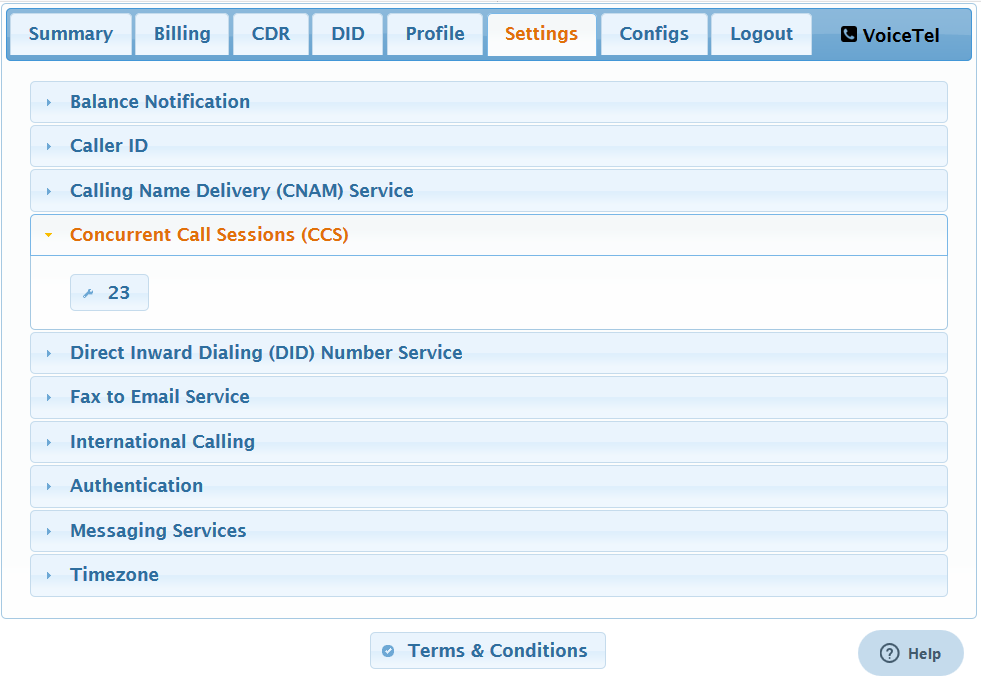
This is the maximum number of calls you can have at any point in time.
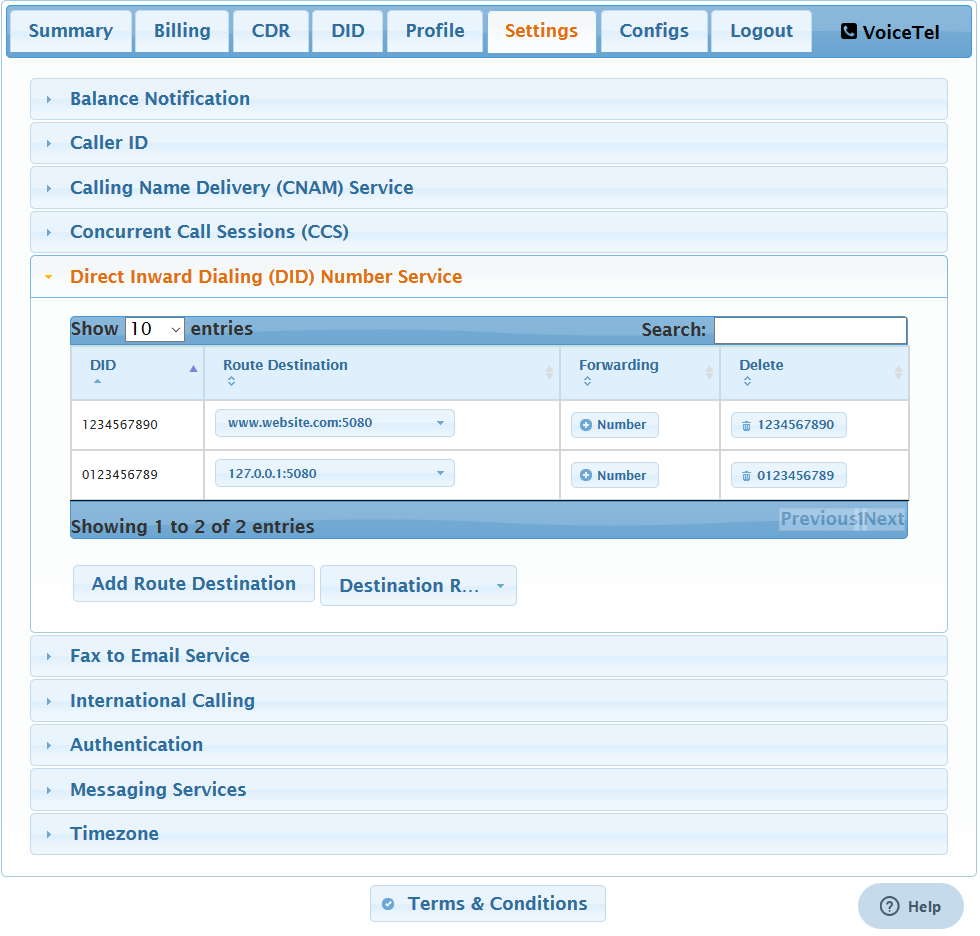
Here you can see the DID or numbers in you account. You can Forward your number by adding a number to the forwarding field. If you want to remove a number from your account click on the Delete field and then confirm.
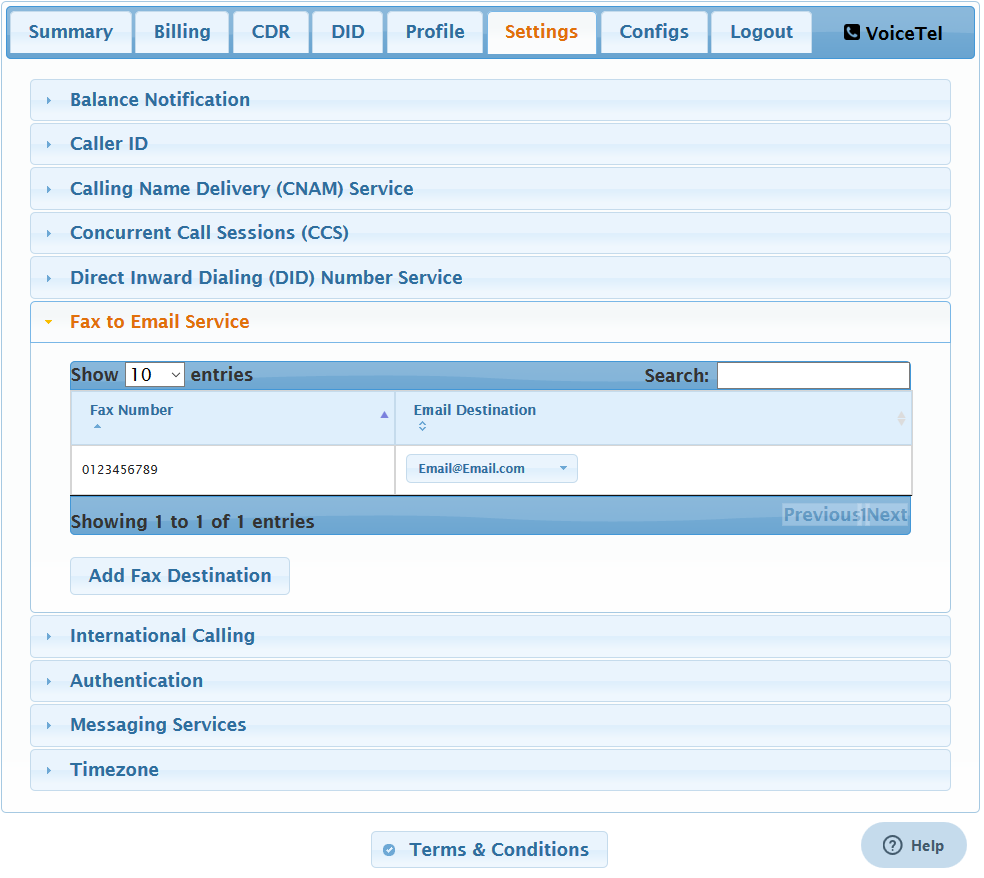
To setup Fax to Email service you have to change the Route Destination for the DID in Settings/DID to T.30 or T38 Fax to Email. Use the drop down to chnage witch email the DID routs too.
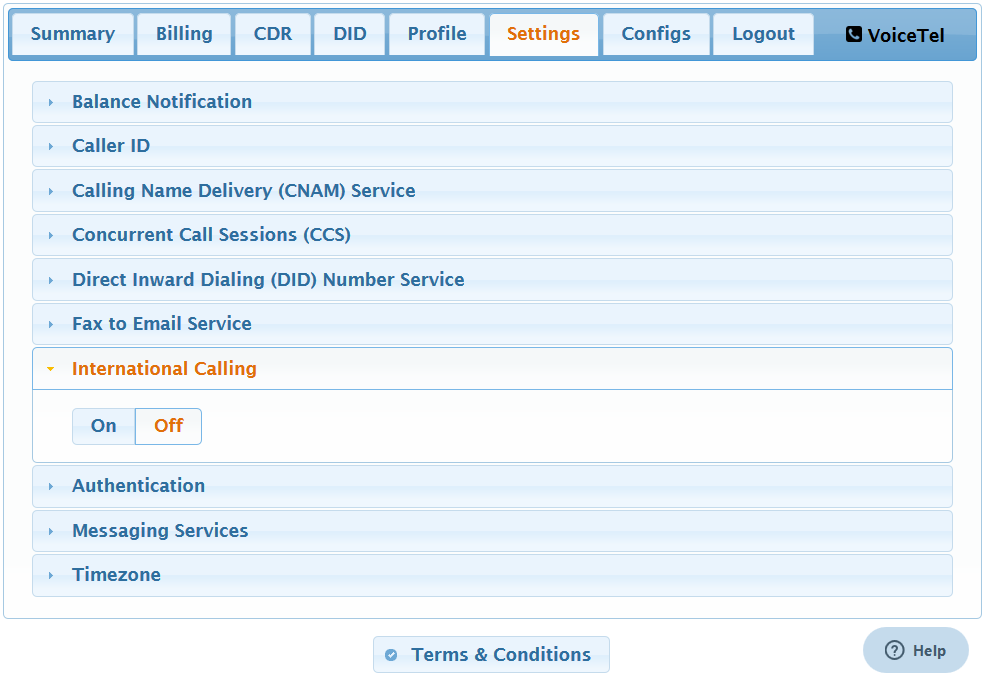
If you do not need international Calling you should leave it off.
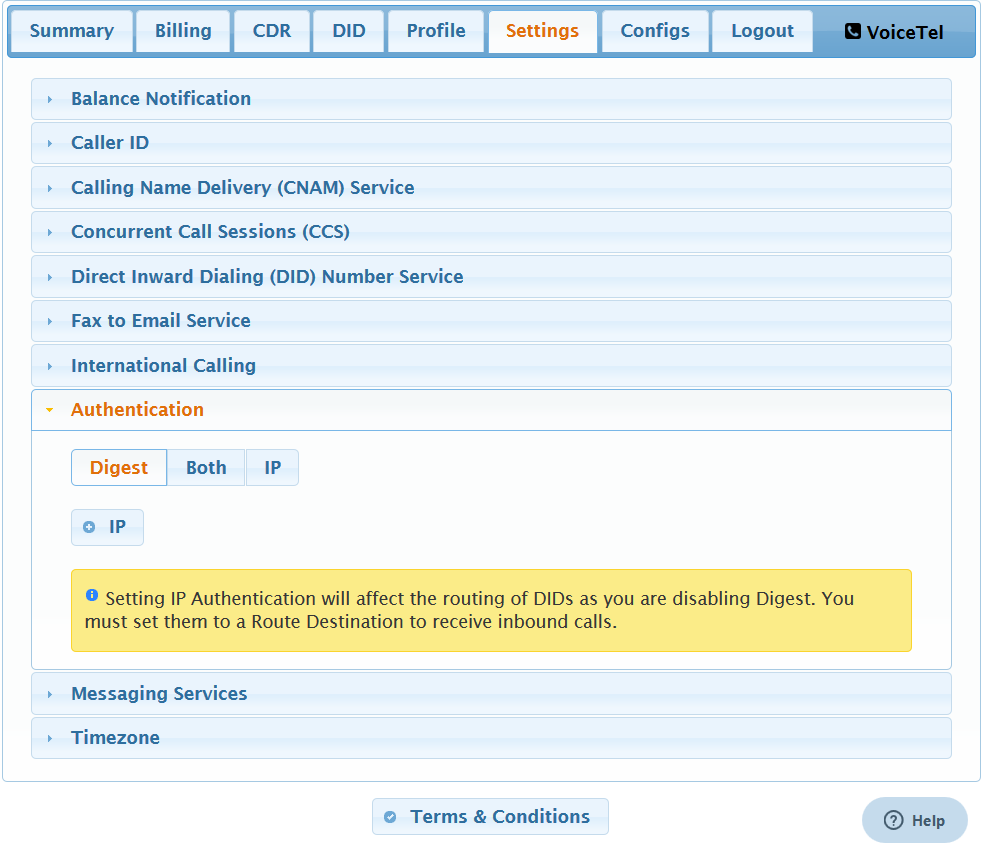
Changes the authentication type for your PBX. IP Auth should only be used with a properly configured firewall.
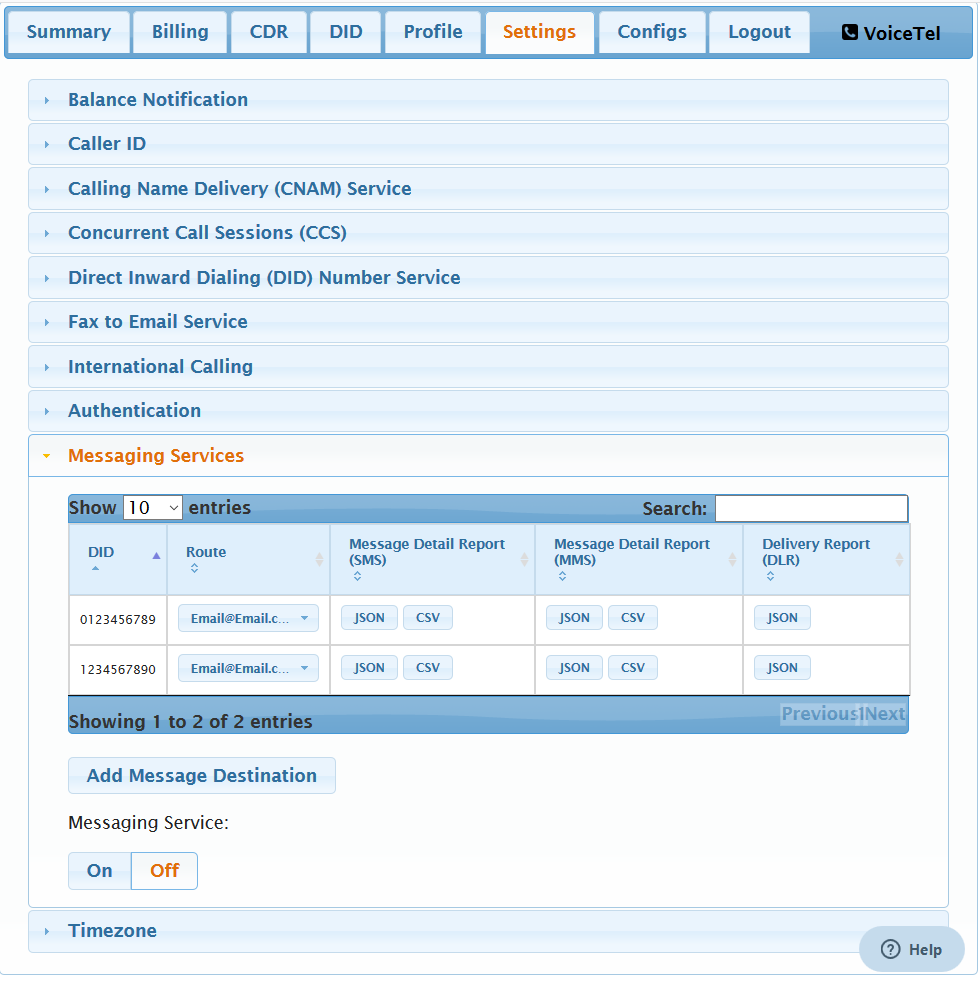
Here you can toggle MMS/SMS, view/edit routing, and check logs.
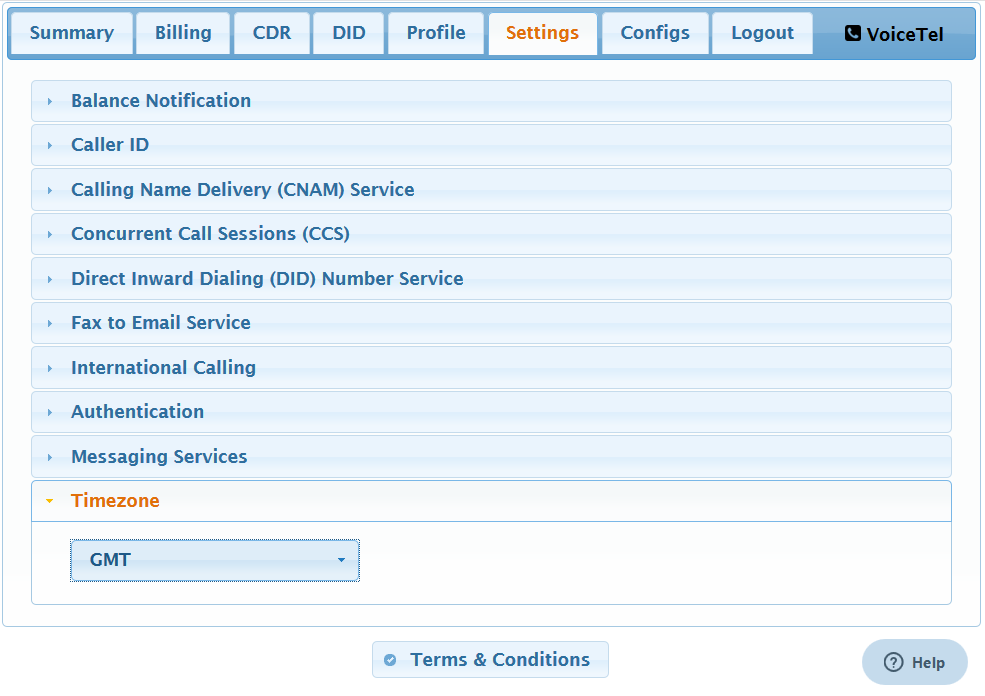
You can change your Time Zone here.
VoiceTel offers local inbound phone service at exceptionally low monthly and per minute rates.We provide businesses and individuals access to a nationwide footprint covering most of the U.S. population.